
From answering machines and enterprise PBXs to cloud communications and Voice AI, voicemail has followed telecommunications through several generations of technology.
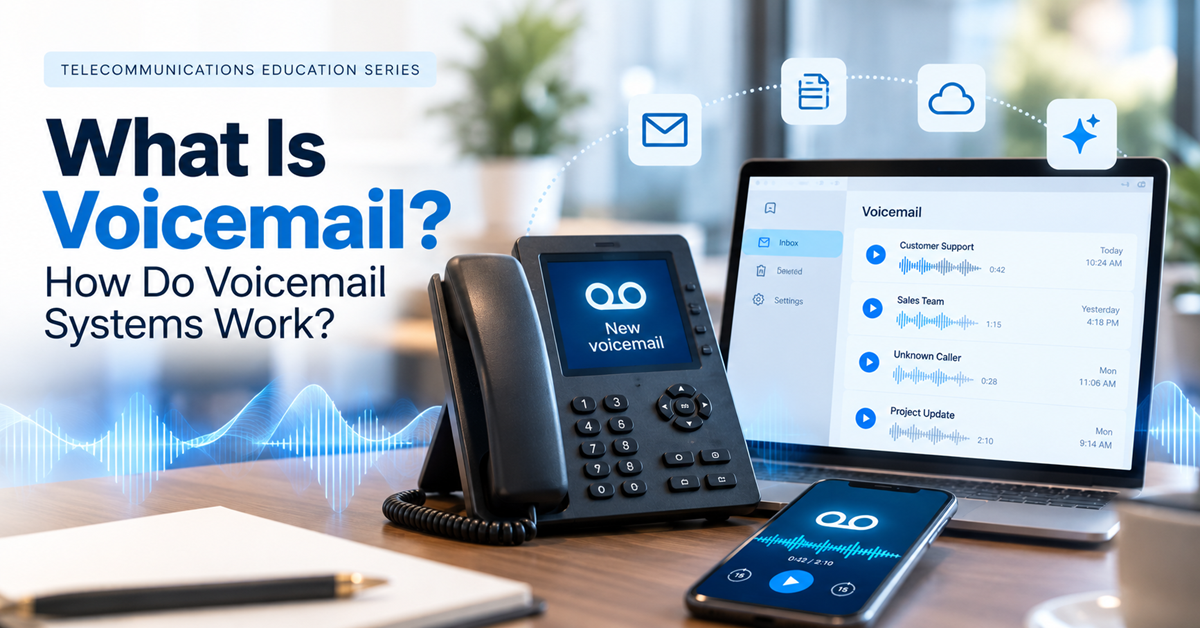
In this educational series, we have traced that evolution from the PSTN through VoIP, SIP, SIP trunking, DID numbers, hosted PBX, Unified Communications, auto attendants, and IVR. Now we arrive at another familiar feature of the business phone system: voicemail. What happens when a call reaches the right destination, but nobody is available to answer?
Throwback to telecommunications history
Almost everyone has encountered voicemail, but the technology behind that familiar beep has changed significantly. Voicemail is a telecommunications service that allows callers to record an audio message when the person or organization they are trying to reach cannot answer the call. The message is stored by a voicemail system so the recipient can retrieve it later.
For decades, voicemail provided a simple solution to one of the most obvious problems of telephony: people cannot always answer the phone.
Today, a modern service can do much more than record and play back audio. Messages can be delivered to email, transcribed into text, accessed through mobile and desktop applications, forwarded to colleagues, or integrated with Unified Communications platforms.
And now AI is beginning to change what happens to those messages after they are recorded.
Where did voicemail come from?
To understand what is a voicemail system, it helps to go back to the days when telephone calls were tied closely to physical locations.
If someone called an office and nobody answered, the caller often had limited options. A receptionist might take a message, or the caller would simply have to try again later.
Answering machines introduced a way to record messages automatically at the user’s premises. Voicemail took the concept further by making message storage part of the telecommunications system.
Commercial voicemail systems began appearing in the late 1970s. During the 1980s they expanded as businesses adopted them alongside the PBX. Instead of a separate answering machine at every desk, organizations could provide many employees with electronic mailboxes via a centralized system. When someone could not answer, the PBX could redirect the call to voicemail. The caller recorded a message, and the employee could retrieve it later.
That basic workflow still exists today, even though the infrastructure behind it has changed considerably.
What is a voicemail system?
Simply put, it is a platform that:
- Answers redirected or unanswered telephone calls.
- Records audio messages.
- Associates those messages with specific users or mailboxes.
- Stores those messages.
- Provides ways for authorized users to retrieve and manage them.
In a business environment, voicemail is usually available as a feature of the PBX or Unified Communications platform.
Each employee can have a mailbox associated with an extension, DID number, or user account. Departments and shared services can have mailboxes as well. The phone system determines when a call should be sent to voicemail. This might happen because the user:
- Does not answer within a specified period.
- Is already on another call.
- Has activated Do Not Disturb.
- Has configured calls to go directly to their mailbox.
How does voicemail work?
The process feels simple to the caller, but several components of the phone system work together behind the scenes.
Imagine Alice has extension 205 and her own business phone number. A customer calls Alice’s number. The call enters the company’s communications environment and the PBX attempts to reach her registered devices.
Alice is in a meeting and doesn’t answer. After a configured number of rings, the system routes the call to her voicemail.
The system plays Alice’s greeting and prompts the caller to leave a message. The caller leaves a message, which the system records and stores in Alice’s mailbox.
Alice then receives a notification that a new voicemail is waiting.
Depending on the voicemail service, she might listen to the voicemail by:
- Calling her mailbox
- Opening a desktop or mobile application
- Checking the web portal
- With advanced UC platforms such as VoipNow, even receiving the recording through email.
How does voicemail fit into a PBX?
The relationship between voicemail and the PBX is particularly important in business telephony.
As we explored earlier in this series, the PBX manages extensions, users, telephone numbers, devices, and call-routing rules. The voicemail system provides a destination for calls that need to become recorded messages.
Consider a simple call flow:
Incoming call → DID number → PBX → User → Voicemail
The flow can become more sophisticated.
A call might first reach an auto attendant, where the caller chooses a department. It could then enter a call queue or ring group. If nobody is available, the PBX can eventually route the caller to a shared voicemail mailbox.
This demonstrates how the features covered in this series work together to create a complete calling experience.
What happens to a recorded messages?
Historically, users often accessed their messages by calling a special number, entering a PIN, and listening to recordings one after another.
Today, systems offer several delivery and management options.
The recorded message can be stored within the provider’s infrastructure and presented through a visual interface. Users can see who called, when the message was received, and the message duration before deciding whether to play it.
Some platforms send the recording as an email attachment or provide a notification containing a link to the message. Others use speech-to-text technology to create a written transcription.
These capabilities make voicemail much easier to manage, particularly for employees who receive many calls or work across multiple devices.
What is visual voicemail?
Visual voicemail changes how users interact with stored messages. Instead of navigating an audio menu, users see messages as a list in an app or interface.
It can also show caller identity, phone number, timestamp, and message duration.
The user can manage messages in several ways, such as:
- Choose which message to open.
- Skip unimportant messages.
- Delete recordings, when allowed.
- Return calls without listening to every message in chronological order.
What is voicemail-to-email?
Voicemail-to-email connects voice messages with the email inbox. When someone leaves a voicemail, the system can send an email notification. Depending on the platform, it can attach the audio or provide a link.
This means users do not necessarily need to call their voicemail box to discover that someone has left a message.
For businesses, voicemail-to-email can be particularly useful for shared mailboxes. A message left for a sales or support team can be delivered to an appropriate inbox or workflow where employees can respond.
We’ll explore this convergence more deeply later in the series when we discuss Fax to Email and other ways traditional communications have moved into digital workflows.
What is voicemail transcription?
Transcription converts a recorded message into text using speech recognition. Recipients can read the transcript to understand the caller’s purpose without listening immediately.
This is particularly useful during meetings, in noisy environments, or whenever playing audio would be inconvenient. Transcription can also improve accessibility for users who have difficulty hearing audio messages.
The accuracy depends on factors such as recording quality, background noise, language, accent, terminology, and the transcription technology being used.
AI is rapidly improving this capability and expanding what can be done with recorded voice messages.
Personal and shared voicemail mailboxes
A voicemail system does not have to assign every message to an individual.
Personal mailboxes are useful for employees who have their own extensions or DID numbers. When they cannot answer, callers can leave a message specifically for them.
Shared mailboxes can serve teams or departments.
For example, a company’s main customer service number might eventually route unanswered calls to a support mailbox. Multiple authorized employees could then access those messages. Such voicemail boxes can be created for functions such as Sales, Billing, Human Resources, or after-hours requests.
The appropriate design depends on how the organization handles incoming communications and who is responsible for responding.
Voicemail security
Voicemail can contain sensitive information, so security remains important.
Weak or default voicemail PINs are a common attack vector. Attackers who gain access may be able to listen to messages or abuse voicemail-related calling and forwarding features, depending on the system configuration.
Businesses should enforce strong PIN policies, disable unnecessary remote calling or forwarding capabilities and review call logs for unusual activity.
Cloud-based voicemail service providers also need to protect stored recordings, account information, and message metadata.
When voicemail recordings or transcriptions are sent to email or other applications, businesses should consider the security of those destinations as well. A protected voicemail platform provides limited benefit if sensitive recordings are automatically copied into an inadequately secured system. Voicemail-to-email is useful, but if the mailbox is compromised, recordings and transcripts may be exposed. Ensure email accounts use strong authentication and appropriate retention policies.
Retention policies also matter. Organizations may need rules determining how long recordings and transcripts are stored, particularly when communications contain customer or regulated information.
Regularly audit who has access to shared mailboxes and review forwarding rules.
Voicemail in today’s business communications
With instant messaging, email, collaboration applications, and mobile notifications everywhere, it is reasonable to wonder whether voicemail still has a place in modern business communications. For many organizations, it does.
Telephone calls remain important when customers need to speak with a business. Businesses cannot answer every call immediately. Voicemail gives callers a way to explain why they called and provides an opportunity for the recipient to respond later.
Its role, however, is evolving.
Employees increasingly expect messages to become available wherever they work. They may prefer reading a transcription to dialing into a mailbox. Teams may want messages delivered into shared workflows rather than sitting unheard in an audio inbox.
The voicemail system has therefore become another part of the broader digital communications environment.
Footprint in Unified Communications
Unified Communications makes this evolution particularly clear.
In a UC environment, voicemail can live alongside voice calls, instant messages, meetings, presence information, and other communication channels. This creates a more connected experience than traditional telephone voicemail.
It also illustrates one of the broader themes of this series. Technologies that began as independent telecommunications services are increasingly becoming features within integrated communications platforms.
The future in the Voice AI era
Artificial intelligence may produce the next major evolution of voicemail.
Transcription is already a common example, but AI can go further. These AI capabilities vary by provider and may not be available in all systems yet.
An AI-enabled communications platform can summarize messages, identify intent, extract action items, and connect voicemail with other business workflows.
Imagine receiving several voicemail messages after a meeting. Instead of listening to each recording from beginning to end, you could see concise summaries indicating that one customer needs an urgent callback, another wants to reschedule an appointment, and a supplier is confirming a delivery.
AI could also connect the message with other business workflows. A customer request left in voicemail might generate a task, update a CRM record, or help an employee prepare for the return call.
Voice AI agents introduce another possibility. Some calls that once ended in voicemail may be handled conversationally even when a human employee is unavailable.
An AI agent could answer the call, determine what the caller needs, collect relevant information, resolve certain requests, or arrange a human follow-up.
This may change the role of voicemail in the future. But the fundamental business requirement remains: when the intended person cannot answer, the caller still needs a useful next step.
Why understanding voicemail matters
Understanding what is a voicemail system adds another important layer to the telecommunications journey we’ve been following.
The PSTN connected callers. VoIP brought voice onto IP networks. SIP helped establish sessions. SIP trunks connected business phone systems to providers. DID numbers provided public telephone identities. Hosted PBX and Unified Communications brought those capabilities into modern software platforms.
The auto attendant helped callers choose where to go. The IVR made those interactions more sophisticated and interactive.
And voicemail provides a way to preserve the caller’s message when a conversation cannot happen immediately.
From centralized PBX mailboxes to visual voicemail, transcription, cloud delivery, and AI-generated summaries, the technology has continually adapted to the way people communicate.
Yet business telephony involves more than one-to-one conversations. Sometimes, a message needs to reach an entire office, department, building, or group of devices at once. That brings us naturally to the next article in the series: What is intercom and paging?


Leave a comment