
As telecommunications evolved from switchboards and traditional PBX systems to VoIP, hosted PBX, and Unified Communications, businesses gained more ways to automate calls. In this educational series, we have followed that evolution from the PSTN through cloud‑based communications. Now we move from the infrastructure behind business calling to one of the features callers interact with directly: the auto attendant.
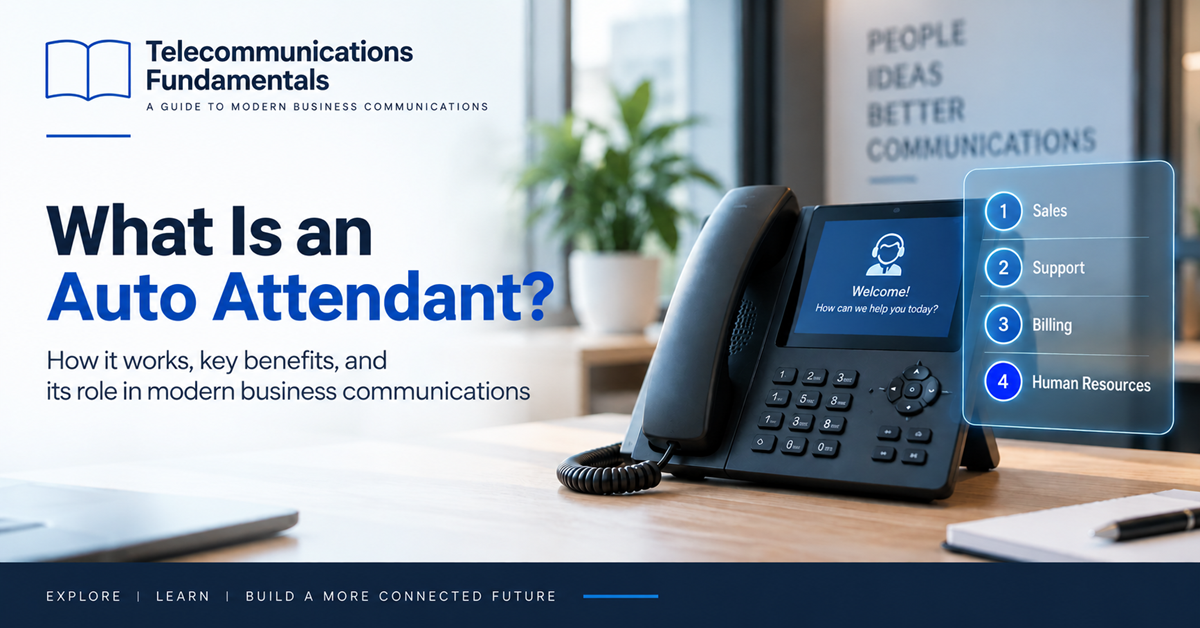
So, what is an auto attendant, how does it work, and why has it become such a familiar part of the modern business phone system experience?
What is an auto attendant? How auto attendant call routing works
If you’ve ever called a company and heard, Press 1 for Sales, press 2 for Support, you’ve probably interacted with an automated attendant.
An auto attendant is a feature within a business phone system that automatically answers incoming calls, plays a greeting, and gives callers options for reaching the appropriate person, department, or service. Instead of requiring every call to be answered and transferred manually, it uses predefined call‑routing rules to make handling more efficient. It’s especially important for businesses with high call volumes or customers calling outside normal office hours.
Brief history of the auto attendant
To better understand how auto attendants work, it helps to look at how incoming business calls were handled historically.
In the early days of business telephony, organizations relied on switchboard operators. When someone called a company, an operator answered, asked whom they wanted to reach, and physically or electronically connected them to the correct extension.
As PBX technology evolved, automated switching gradually replaced many manual internal switching functions, although receptionists and operators continued to play an important role in directing incoming calls.
The auto attendant emerged as a way to greet callers and provide simple routing choices without requiring a person to answer every call. With today’s hosted PBX and Unified Communications platforms, this capability can be managed through software and adapted quickly as the organization changes.
How does an auto attendant work?
Imagine calling a company’s main phone number. Its phone system receives your call and sends it to the auto attendant. You hear a recorded greeting such as:
Thank you for calling Example Company. Press 1 for Sales, press 2 for Customer Support, or press 3 for Billing.
When you press 2, your telephone generates a DTMF (Dual-Tone Multi-Frequency) signal representing your selection.
The phone system recognizes that choice and follows the routing rule associated with it. The call might be sent directly to a support employee, a group of employees, a call queue, voicemail, or another automated service. All of these destinations can be configured within the communications platform.
An auto attendant can therefore act as the first routing layer between an incoming call and the people or services available within an organization.
Capabilities of auto attendants
The capabilities of an automated attendant depend on the business phone system. Yet its core function is straightforward: answer a call and route it according to predefined rules.
Businesses can typically customize the greeting and menu options callers hear, creating choices for departments such as Sales, Support, Billing, or Human Resources. Some systems also provide directory functions so callers can search for an employee or dial an extension directly.
Routing can change according to the time of day:
- During business hours, a caller might be offered a full menu.
- After hours, the auto attendant can announce opening times and allow callers to leave voicemail.
Organizations with multiple offices can use the same idea to direct callers by location, language, department, or service.
The result is a flexible automated answering service integrated into the organization’s wider communications environment.
Auto attendants and the PBX
The relationship between the auto attendant and the PBX is important.
In previous articles, we explored how a PBX manages users, extensions, telephone numbers, and call routing. The automated attendant is one of the features that can sit on top of those capabilities.
Suppose a company has a main DID number. When someone calls that number, the PBX routes the call to an auto attendant. The caller selects Sales, and the PBX then sends the call to a sales ring group. If nobody answers, another rule can forward the call to voicemail.
This shows how different pieces of business telephony work together. The DID provides the number people call. The PBX receives and manages the call. And finally the auto attendant interacts with the caller to help determine where that call should go.
Auto attendants vs. human receptionists
An auto attendant can handle many repetitive call‑routing tasks that would otherwise require manual intervention, such as:
- Answering multiple calls simultaneously
- Providing consistent greetings
- Directing callers according to menu selections
- Applying different routing rules during and outside business hours
A human receptionist can handle situations that require judgment, context, or more personal assistance. Many businesses therefore use both.
The auto attendant may handle routine calls and give callers the option to reach a receptionist when necessary. For example, the menu can include an option “Press 0 to speak with a receptionist“. This combination can help employees spend less time transferring predictable calls while still providing personal assistance for callers who need it.
Auto attendants vs. IVR
But how is an auto attendant different from Interactive Voice Response (IVR)?
The two technologies are closely related. The terminology varies between providers and some platforms use the terms auto attendant and IVR interchangeably. In general, an auto attendant focuses on straightforward menu-based routing, while an IVR can support more complex interactions.
IVR systems can do everything an auto attendant does and more. They can collect multiple pieces of information (account numbers, order IDs), query databases, use account details, perform transactions, or dynamically determine what should happen next. In many platforms, every IVR includes auto‑attendant‑style routing, but not every auto attendant has full IVR capabilities.
For example, an auto attendant might route a call to the billing team. An IVR for billing might then ask for an account number, retrieve account information, and provide a balance without requiring an employee to handle the call.
We’ll explore IVR in detail in the next article in this series.
Auto attendants for businesses
One of the main reasons companies implement automated attendants is efficiency.
Many incoming calls follow predictable patterns. Customers want Sales, Support, Billing, or a particular employee. Automating those initial routing decisions can reduce the workload placed on receptionists and other employees.
Automated attendants can also provide consistency. Every caller can hear the same approved greeting and menu options, regardless of how many calls arrive at once.
Another advantage is availability. The system can continue answering calls when the office is closed, providing opening hours, voicemail options, emergency information, or other instructions.
For smaller companies, an automated answering service can also help create a structured calling experience without requiring a dedicated receptionist for all incoming traffic.
Designing a good auto attendant menu
Knowing what an auto attendant is and how it works is only part of the story. The caller experience depends heavily on how the menu is designed.
A good menu should be short, clear, and predictable. Callers usually want to reach their destination quickly. Long introductions, too many choices, and deeply nested menus can make even a technically sophisticated phone system frustrating to use.
Businesses should place the most common options early in the menu and describe them using familiar language. It’s also helpful to consider callers who already know an employee’s extension. Giving them an option to enter that extension can shorten the path to the person they need.
A good auto experience often comes from keeping the call flow simple.
What happens outside business hours?
One of the most useful capabilities of an auto attendant is time‑based routing.
A business may want calls handled differently depending on whether the office is open. During normal hours, the system could present departmental options. In the evening, it can announce that the office is closed and offer voicemail. On public holidays, it might play a special greeting with information about when the company will reopen.
More advanced routing can account for different schedules across departments or locations. This gives the organization control over the caller experience without requiring employees to manually reconfigure the phone system every evening.
Serving multiple locations and languages
An auto attendant can also help businesses organize calls across a distributed organization.
A company with several offices might ask callers to choose a location before presenting departmental options. An international organization could provide different menus based on the number called or allow users to select a preferred language. Those choices can then influence the rest of the call flow.
For example, selecting Spanish could route the caller to Spanish‑language prompts and agents. This flexibility is especially valuable in cloud communications, where users and services may be distributed across many physical locations.
Considerations when implementing the technology
Before implementing an auto attendant, businesses should examine the calls they already receive.
Which departments receive the most calls? What questions do callers commonly have? How frequently do callers need a specific employee? What should happen when nobody answers? Those answers can help determine the call flow.
The quality of the greeting also matters. Recordings should be clear and easy to understand, with consistent volume and terminology. Organizations should test the complete experience from the caller’s perspective, including transfers, unanswered calls, voicemail, business‑hours rules, and any fallback destinations.
Call flows should also be reviewed periodically. A menu created several years ago may contain departments, extensions, or instructions that no longer match how the business operates.
Auto attendants in Unified Communications
In the previous article, we explored Unified Communications and how voice, messaging, video, presence, and collaboration can exist within a connected platform.
The auto attendant remains relevant in this broader environment because phone calls still need an entry point. A caller from the public telephone network might reach a UC platform through a business phone number. The auto attendant can then route that person to a user, department, queue, voicemail box, or another application. That employee might answer from a desk phone, laptop, or smartphone depending on where they are working.
The caller does not need to understand any of that infrastructure. They simply choose an option and reach the appropriate destination.
The age of Voice AI
Artificial intelligence is now changing what an automated answering service can look like.
Traditional auto attendants generally expect callers to respond to predefined menu options. Voice AI can make these interactions more conversational. Instead of the usual greeting, a caller might eventually hear a prompt such as “How can I help you today?“
An AI system can interpret the answer, understand the caller’s intent, and determine where the conversation should go. The auto attendant still provides a valuable model for organizing incoming communications, while AI allows some of those experiences to become more flexible and natural.
Many businesses will likely continue using a combination of approaches. Simple menus remain efficient for predictable routing, while Voice AI can handle situations that benefit from natural‑language interaction.
Why understanding this technology matters
Understanding what an auto attendant is helps explain what happens after an incoming call enters a modern business communications system.
The PSTN and VoIP provide connectivity. SIP helps establish communication sessions. SIP trunks connect business systems with providers. DID numbers give callers a number to reach, while hosted PBX and Unified Communications platforms manage users, routing, and calling features.
The auto attendant adds the first layer of interaction with the caller, greeting them and helping the phone system decide where the call should go. Yet sometimes routing callers to a department is only the beginning. Businesses may need to collect information, check records, provide self‑service options, and guide callers through more complex workflows.
That leads naturally to the next article in our series: What is an IVR?


Leave a comment